Clip Evaluation
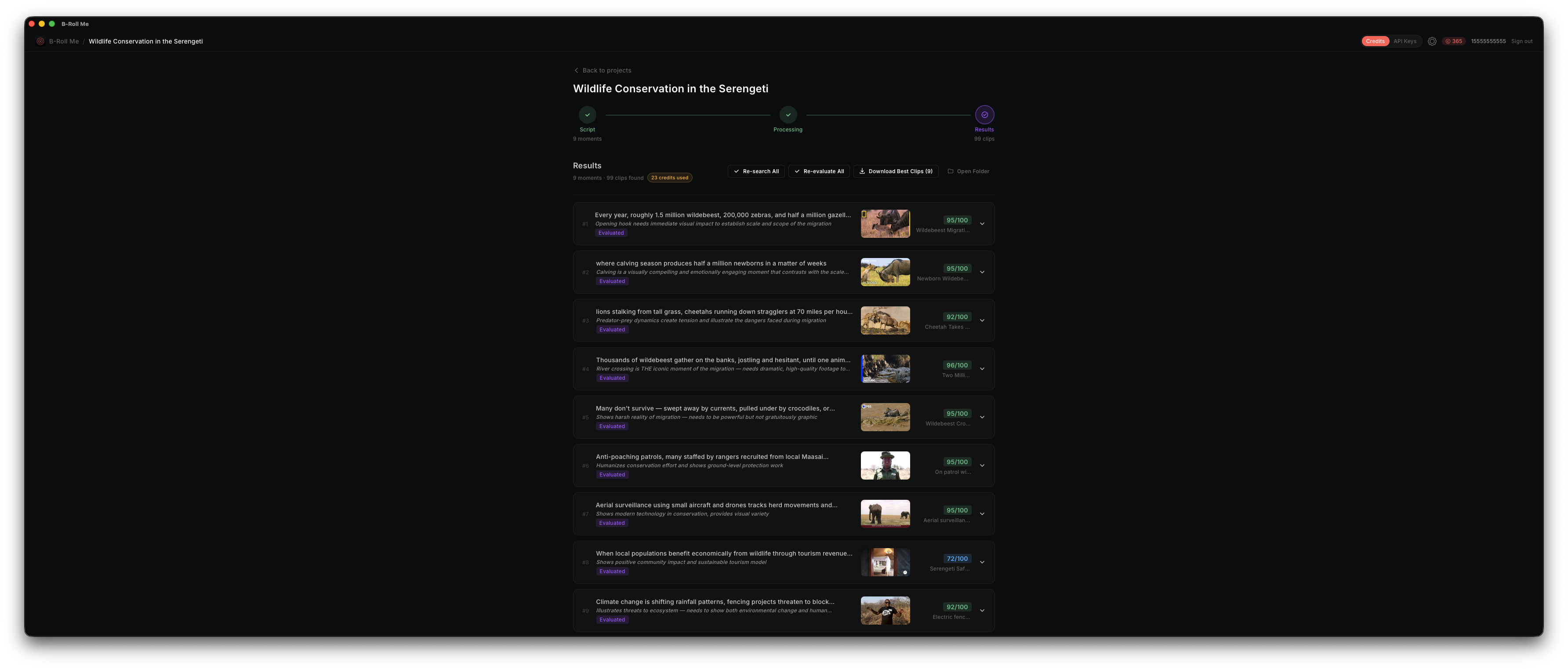
Evaluation is where AI scores each search result for how well it matches your B-Roll needs. Instead of manually scrubbing through dozens of videos, you get a ranked list with precise timestamp suggestions. Evaluation works with both Credits and BYOK modes — in Credits mode, evaluation consumes credits; in BYOK mode, it uses your configured API key. See Credits for more details.
How Evaluation Works
When you click Evaluate on a moment, B-Roll Me sends the following context to the AI:
- • The script excerpt for that moment
- • The editorial note explaining what kind of B-Roll is needed
- • Each search result's title, description, and transcript matches
The AI returns a score, suggested timestamps, and a description for each clip.
Score Ranges
Clips are scored on a 0–100 scale. Here's what each range means:
Sorting by Score
After evaluation, you can toggle Sort by AI Score to reorder results from highest to lowest score. This puts the best clips at the top so you can quickly find the most relevant footage.
Usability Flags
The AI also flags clips as "usable" or "unusable." Unusable clips might have audio-only content, poor video quality, or content that doesn't match despite keyword overlap. Unusable clips are visually indicated so you can skip them.
Evaluate All
Like Search All, there's an Evaluate All option that processes every moment's search results. Moments are evaluated one at a time to manage API costs.